
Animated Waveform Videos & Transparent GIFs Without Heavy Software
Creators searching for an audio waveform visualizer usually need one of two outputs: a clean 1080p MP4 waveform clip for social media, or a lightweight animated audio waveform GIF to drop into newsletters, product landing pages, Discord servers, Notion docs, or presentation slides.
Most online tools either lock GIF exports behind paid subscriptions or fail to preserve clean transparency around moving bars. Here, both 1080p WebCodecs MP4 and pure-JS transparent GIF89a run completely free in your browser.
Choose the Right Waveform Look for Your Audio
- Mirror Wave (Default Above): Balanced top-and-bottom rounded pills reacting smoothly across 64 bands — ideal for vocals, podcasts, and melodic instruments.
- Oscilloscope: Real time-domain audio waveform rendered as a glowing phosphor trace over a calibrated studio CRT grid — built for synth demos, sound design, and electronic tracks.
- Minimal Line: Continuous editorial quadratic spline wave that stays feather-light over dark or warm-paper layouts.
- Alpha Wave: Pure transparent-ready mirrored waveform with zero backdrop for instant GIF loops or video editor overlays.
GIF vs. MP4 vs. Transparent MOV — Quick Format Guide
| Output Format | Transparent Alpha | Audio Track Included | Best Use Case | Typical 3-Second File Size |
|---|---|---|---|---|
| Animated GIF (GIF89a) | Yes (1-bit alpha) | No | Email headers, Notion, GitHub READMEs, slides, Discord | ~135 KB – 900 KB |
| Fast Offline MP4 | Use Green Screen | Yes (AAC 48 kHz) | YouTube, TikTok, Reels, CapCut & Final Cut Pro Keyer | ~1.5 MB – 2.5 MB |
| Transparent Alpha MOV | Yes (32-bit RGBA) | Yes (PCM 48 kHz) | Premiere Pro, After Effects, DaVinci Resolve (or transcode to ProRes 4444 for FCP) | ~3.5 MB – 8 MB |
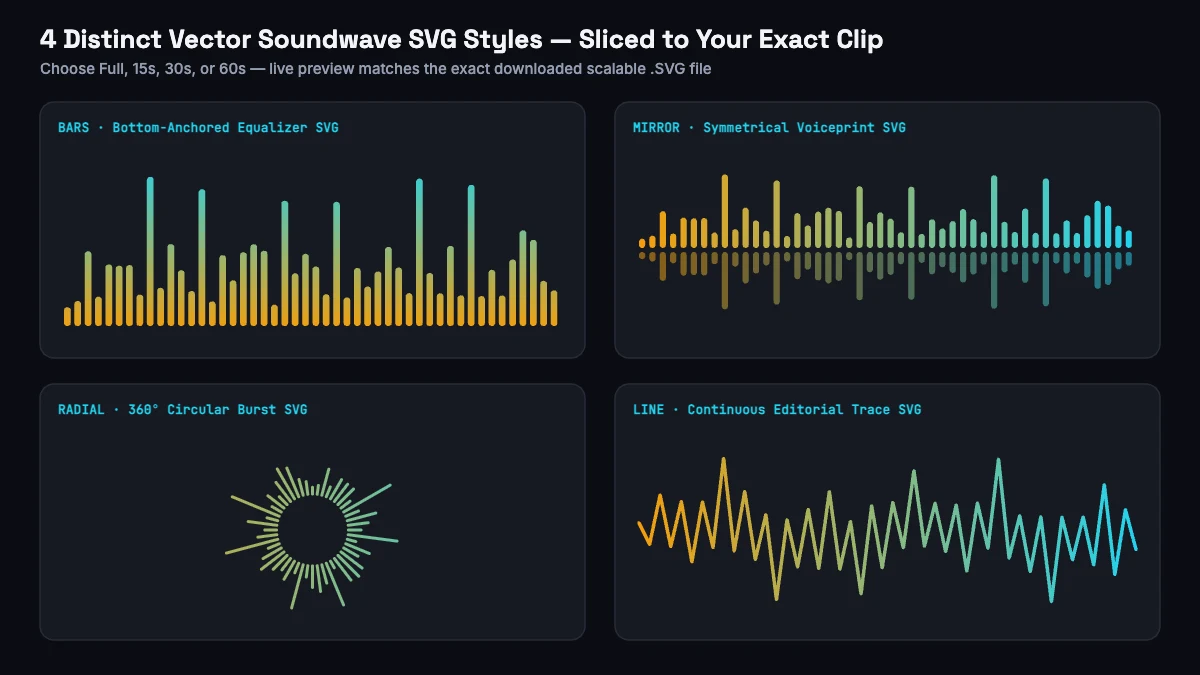
Want a static print-ready graphic of your entire track's amplitude envelope? Switch to our Sound Wave SVG Generator.