Audio Visualizer Online logo Audio Visualizer Online

MP3 to Video With Image — Free Online MP4 Converter

100% Local Browser Studio No Watermark · No Login · Zero Upload
Loading Mastering Desk Audio Studio...

Pair any MP3, WAV, or M4A audio file with a cover image and convert directly to a YouTube-ready 1080p H.264 MP4 locally — starts in Pure Static Cover mode (zero bars, zero overlay text) with 1-click switch to Dynamic Cover Card.

Same MP3 & Cover Art, Two 1-Click Modes — Pure Static Cover vs. Dynamic Wave

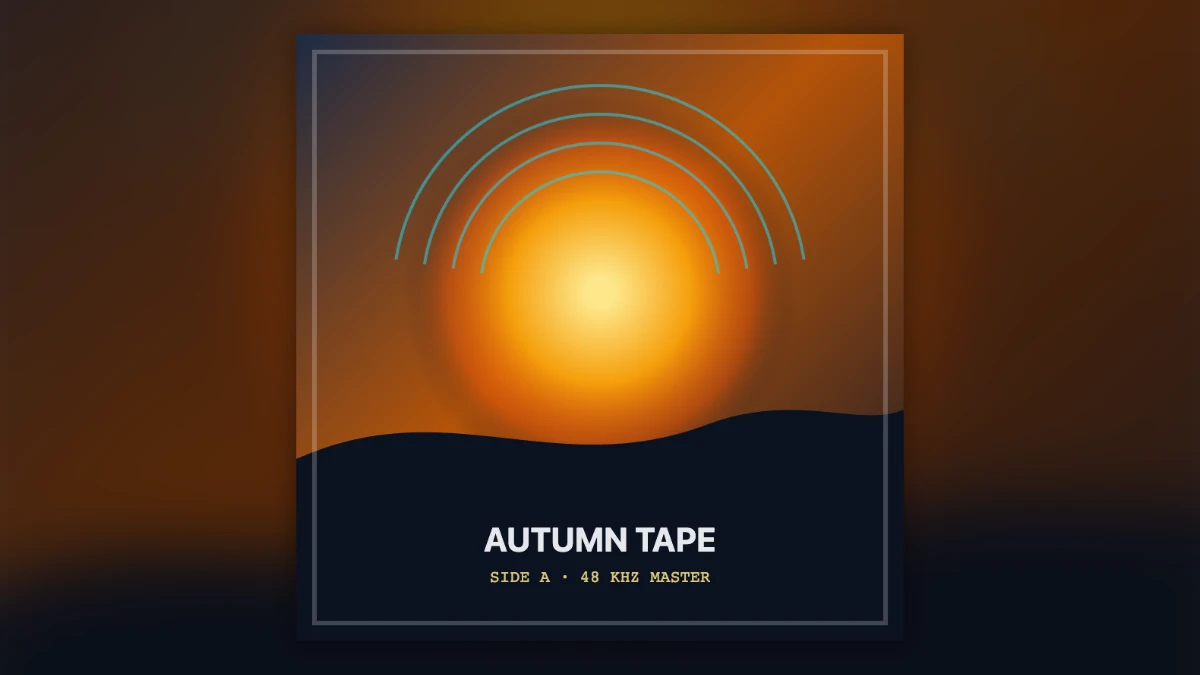
Static Cover Only MP3-to-video output showing pure square artwork over blurred cover backdrop with zero waveform bars and zero progress bar
Static Cover Only (Pure Image + Audio)

Clean full-frame album art over a soft blurred backdrop — zero waveform bars, zero progress bar, and zero overlay text or sample lyrics unless you type a title, artist, or captions. Default mode above.
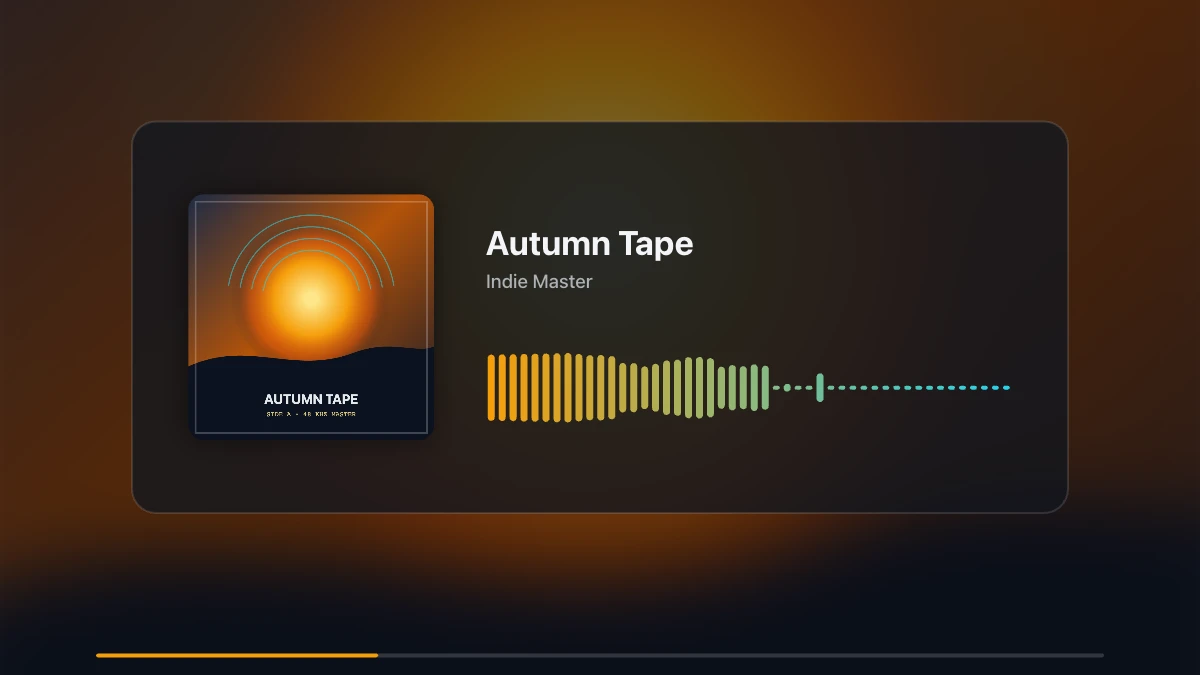
Dynamic Cover Card MP3-to-video output pairing square cover art with reactive mirrored waveform bars, title, and progress timeline
Dynamic Cover Card (Reactive Wave)

Frames your square cover artwork alongside live beat-reactive mirrored waveform bars, elapsed progress bar, and track metadata for higher YouTube visual motion.

Convert MP3 + Cover Image to 1080p MP4 — Pure Static Cover or Reactive Wave

Traditional MP3 to video with image converters force you to upload your audio and JPG to a slow remote server, wait in a processing queue, and hit a 50–100 MB file-size wall. On the flip side, many audio visualizers force animated bars onto your video even when you just want clean, pure cover art.

Audio Visualizer Online gives you both workflows in 1 click locally in your browser:

Mode on This Page Preset ID Waveform & Progress Bar Best For
Static Cover Only (Default) Cover Only None (0 bars, 0 progress bar, blank text/lyrics by default) — pure artwork + optional text YouTube Topic-style audio uploads, clean album art releases, beat archives
Dynamic Cover Card Cover Card Live mirrored waveform + elapsed progress bar + title/artist Lo-fi mixes, synthwave singles, and YouTube videos where subtle beat motion lifts retention

Why Creators Switch From Server MP3 Converters

  • Zero Upload Wait & Zero 100 MB Limit: Drop a 3 MB MP3 or a 60 MB WAV master plus 4K cover art — it opens instantaneously from local browser memory with zero remote upload.
  • Exact Control Over Artwork Framing: Choose Cover background (clean square artwork centered over a softly blurred version of your sleeve), Dark, Paper, or Custom Color — Track Title, Artist Name, and lyrics stay blank by default in Static Cover mode until you enter them.
  • Universal H.264 + AAC MP4: Output files use avc1 (yuv420p) video and 48 kHz AAC-LC audio with fast-start moov placement and edit-list priming compensation (0.0 ms sync drift verified in FFmpeg and Apple AVFoundation), guaranteeing immediate YouTube HD processing and smooth playback on QuickTime, Windows, iOS, and Android.

3-Step MP3-to-MP4 Guide

  1. Select your MP3 / WAV / M4A file and your Cover Image in the Audio panel (demo artwork clears automatically on upload, and Title, Artist, and Lyrics remain blank in Static Cover mode unless you type them).
  2. Keep the default Static Cover Only (Pure Image + Audio) mode — or click Use Dynamic Cover Card above if you want a reactive waveform — and choose 16:9 (YouTube), 9:16 (Shorts/TikTok), or 1:1 (Instagram).
  3. Press Export Free MP4 — a 3-minute 1080p song bounces locally in ~35 seconds with zero watermark.

Want the full YouTube upload encoding checklist (including how to assign audio episodes to YouTube Podcasts)? Read our How to Upload MP3 & Audio Files to YouTube Guide, compare M4A vs MP3 Audio Quality & Compatibility, convert an iPhone recording in How to Turn a Voice Memo Into a Video, or check sample rates in 44.1 vs 48 kHz Audio for YouTube & Spotify.

Frequently Asked Questions

Can I convert an MP3 + image to MP4 with ZERO waveform bars or progress bar?

Yes. This page opens directly in Cover Only (Static) mode with Track Title, Artist Name, and sample lyrics blank by default — rendering only your cover artwork cleanly framed over a blurred cover backdrop (or Dark/Custom solid background) with zero waveform bars, zero progress bar, and zero overlay text unless you type one.

What is the difference between Static Cover Only and Dynamic Cover Card?

Static Cover Only (Cover Only preset) outputs a clean still image paired with your audio track — zero animated bars or timelines. Dynamic Cover Card (Cover Card preset) adds a mirrored beat-reactive waveform, progress bar, and track/artist layout. Switch between both in 1 click using the cards above or the Style tab.

How do I convert an MP3 to MP4 with an image online without uploading?

Click Add My Audio (or drop your MP3/WAV/M4A), click Image to add your cover art or photo, choose 16:9 (YouTube) or 9:16 (Shorts/TikTok), and click Export Free MP4. Everything encodes locally in your browser via WebCodecs with zero server upload and zero 100 MB file-size cap.

What audio and image formats are supported?

Audio: MP3, WAV, M4A, AAC, FLAC, and OGG. Images: PNG, JPG/JPEG, and WebP. Output is a universal 1080p H.264 + 48 kHz AAC .MP4 with 0.0 ms audio-video priming sync, playable on YouTube, TikTok, Windows, macOS, iOS, and Android.

Can I add song title, artist name, or synced lyrics onto the MP4 video?

Yes. In Static Cover Only mode, Track Title, Artist Name, and lyrics start blank (and stay blank on audio upload) so your video exports as pure artwork + audio unless you explicitly enter text; in both modes, any title, artist, or imported .SRT/.LRC captions you add render cleanly without overlapping.