
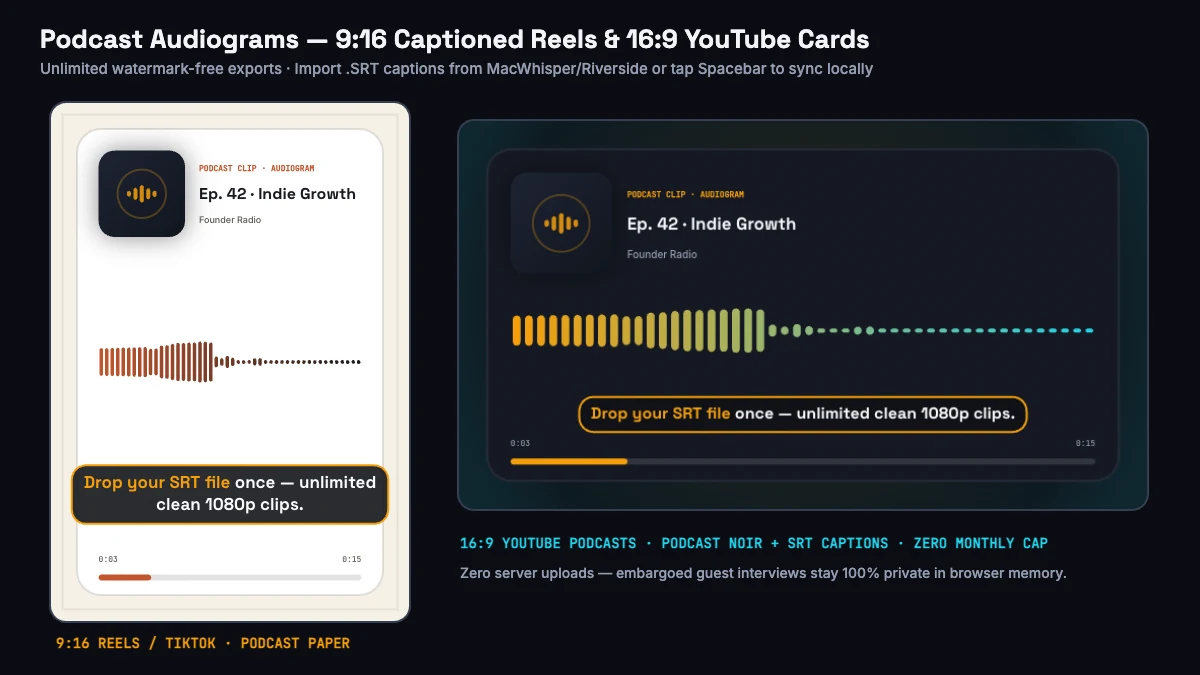
Exact SubRip (.srt) File Structure (Copy-Paste Valid Template)
An .srt (SubRip Subtitle) file — cataloged in the Library of Congress Digital Preservation Format Description (fdd000569) and explicitly recommended by YouTube Help (Supported subtitle and closed caption files) for creators building captions — is nothing more than a plain UTF-8 text file following four strict syntax rules:
1
00:00:01,200 --> 00:00:03,850
Welcome back to the mastering desk.

2
00:00:04,100 --> 00:00:07,600
- Did the team leave before the last train?
- They stayed until the final passenger was safely home.

3
00:00:08,000 --> 00:00:10,450
Every cue ends with one blank line.
The 4 Non-Negotiable SRT Syntax Rules
- Sequential Cue Index: Positive integers starting at
1, incrementing by1per block. - Exact Timecode Line (
HH:MM:SS,mmm --> HH:MM:SS,mmm): Two digits each for hours, minutes, and seconds, followed by a comma (,) and three digits for milliseconds (000–999), separated by a single space, two hyphens, a greater-than sign, and a single space (-->). - UTF-8 Plain Text Lines: One or two short lines per cue (or explicit speaker hyphens on separate lines for 2-speaker interviews). Per YouTube Help, YouTube only recognizes basic plain-text SRT without inline HTML or CSS styling tags, and requires UTF-8 encoding so accented characters and apostrophes never turn into garbled symbols.
- One Blank Line Between Every Block: Missing the blank separator causes strict parsers (and desktop NLEs) to merge cue 2's timestamp directly into cue 1's spoken text.
3 Free Ways to Create an .srt File (Fastest to Most Manual)
Method 1: Tap-Sync Directly in Your Browser (Best for Songs & Short Clips — 2 Minutes)
Typing timestamps by hand for a 60-second podcast clip or 3-minute song is painful and error-prone. Instead, build a guaranteed-valid .srt locally in Audio Visualizer Online:
- Open Podcast Audiogram Maker or Suno Music Visualizer and drop your MP3, WAV, or M4A audio (zero upload).
- Open the Lyrics / Captions tab and paste your plain-text script or lyrics (one phrase per line).
- Select
0.75×(for fast dialogue/rap) or1.0×playback speed, click Start Tap-Sync, and press Spacebar right as each sentence begins. Every tap stamps the start time and closes the previous cue cleanly with zero overlap. - Fine-tune any line by clicking
-0.1or+0.1(our parser preserves exact sub-0.5s cues down to0.05sand keeps explicit end times intact). - Choose Full Track or Active Clip (0:00) (which automatically rebases timestamps to
00:00:00,000when you trimmed a 30–60s highlight!) and click Download .SRT.
Method 2: Free Local AI Transcription + Manual Proofread (Best for Long Interviews)
For 20- to 60-minute podcasts or lectures:
- Run free local open-source Whisper (or MacWhisper on macOS) to export a draft
.srtoffline on your own machine, or upload an unlisted draft to YouTube Studio and download its auto-generated.srtunder Subtitles → Duplicate and Edit → Download (.srt). - Proofread proper nouns, technical terms, and punctuation in a plain text editor (or import the
.srtback into our studio to render a clean captioned audiogram video).
Method 3: Hand-Writing an .srt in Notepad (Windows) or TextEdit (Mac)
For a 15-second intro or 4-line bumper:
- Windows Notepad: Type your cues using the template above →
File → Save As→ set Save as type to All Files (.) → set Encoding to UTF-8 → name the filecaptions.srt(avoidcaptions.srt.txt). - macOS TextEdit: Press
Shift + Command + T(Format → Make Plain Text) before saving — TextEdit defaults to Rich Text (.rtf), which inserts hidden formatting headers that break every subtitle importer. Save ascaptions.srtwith UTF-8 encoding.
SRT vs. WebVTT (.vtt): Exact Technical Differences
Web developers and course creators often ask whether to ship SubRip (.srt) or WebVTT (.vtt). The W3C WebVTT specification and MDN WebVTT API define WebVTT specifically for HTML5 <video> <track> playback in browsers:
| Feature | SubRip (.srt) |
WebVTT (.vtt) |
|---|---|---|
| Header Line Required? | None (starts directly with 1) |
Mandatory WEBVTT on line 1 followed by a blank line |
| Millisecond Separator | Comma (,) → 00:01:05,250 |
Period (.) → 00:01:05.250 |
| Cue Numbering | Required sequential integers | Optional (alphanumeric cue IDs allowed) |
Native HTML5 <track> Support |
Not native in browsers | Native W3C browser standard |
| Styling, Positioning & Chapters | Stripped by basic parsers (e.g. YouTube) | Native cue settings (line:, align:, ::cue CSS, chapter metadata) |
| Best Use Cases | YouTube Studio, Premiere Pro, DaVinci Resolve, CapCut, FCP, LinkedIn, podcast audiograms | Custom HTML5 web video players, Vimeo web tracks, LMS course portals |
Instant 2-Step Conversion From .srt to .vtt
Because the two formats are nearly identical, converting any valid .srt into a basic valid .vtt takes two edits (or one FFmpeg command ffmpeg -i captions.srt captions.vtt):
- Add
WEBVTTplus one blank line at the very top of the file. - Replace every timestamp comma with a period (for example
00:00:01,200→00:00:01.200).
6 Common SRT Errors & How to Fix Them in 10 Seconds
| Error Message / Symptom | Root Cause | Exact Fix |
|---|---|---|
| Parser merges cue 2 timestamp into cue 1 text | Missing blank line between cue blocks (or stripped \n\n) |
Ensure one completely empty line separates every cue block |
| "Invalid timestamp" on upload | Used decimal dot (.) instead of comma (,), or omitted hours (01:05,200) |
Enforce full HH:MM:SS,mmm with comma (even when hours = 00) |
Strange symbols (’) instead of apostrophes |
Saved as Windows-1252 / ANSI instead of UTF-8 | Re-save explicitly with UTF-8 encoding |
| Captions appear 30 seconds late on a short social clip | Exported full-episode timestamps for a trimmed highlight cut | Use our studio's Active Clip (0:00) SRT toggle so cues rebase cleanly to 00:00:00,000 |
YouTube strips bold/color tags or shows raw <font> text |
Inline HTML/SSA markup unsupported in basic SRT | Strip inline style tags; keep plain UTF-8 text per YouTube Help |
| Two speakers merge onto one unreadable run-on line | Single-line flattening stripped speaker line breaks | Keep explicit \n speaker hyphens (- Speaker A\n- Speaker B); our v7 studio preserves multi-line breaks up to 6 wrapped rows without dropping words |
Sources & Primary References
All SubRip syntax requirements, UTF-8 rules, and WebVTT specifications in this guide reference primary standards and official documentation (verified November 2026):
- Library of Congress — SubRip Subtitle format (SRT,
fdd000569) (official format description and structural specification, updated May 2025): https://www.loc.gov/preservation/digital/formats/fdd/fdd000569.shtml - YouTube Help — Supported subtitle and closed caption files (official support for basic UTF-8
.srt, plain-text rule stripping inline markup, and recommendation for new captioners): https://support.google.com/youtube/answer/2734698?hl=en - W3C — WebVTT: The Web Video Text Tracks Format (official WebVTT
WEBVTTheader, period millisecond syntax, and cue positioning spec): https://w3c.github.io/webvtt/ - MDN Web Docs — WebVTT API (HTML5
<track>subtitle, caption, chapter, and metadata behavior): https://developer.mozilla.org/en-US/docs/Web/API/WebVTT_API - Audio Visualizer Online Engineering Lab (verified
parseSrt/formatSrtround-trip fidelity,0.05sshort-cue floor, 2-speaker\npreservation, and Active Clip0:00rebasing): About & Verified Benchmarks