
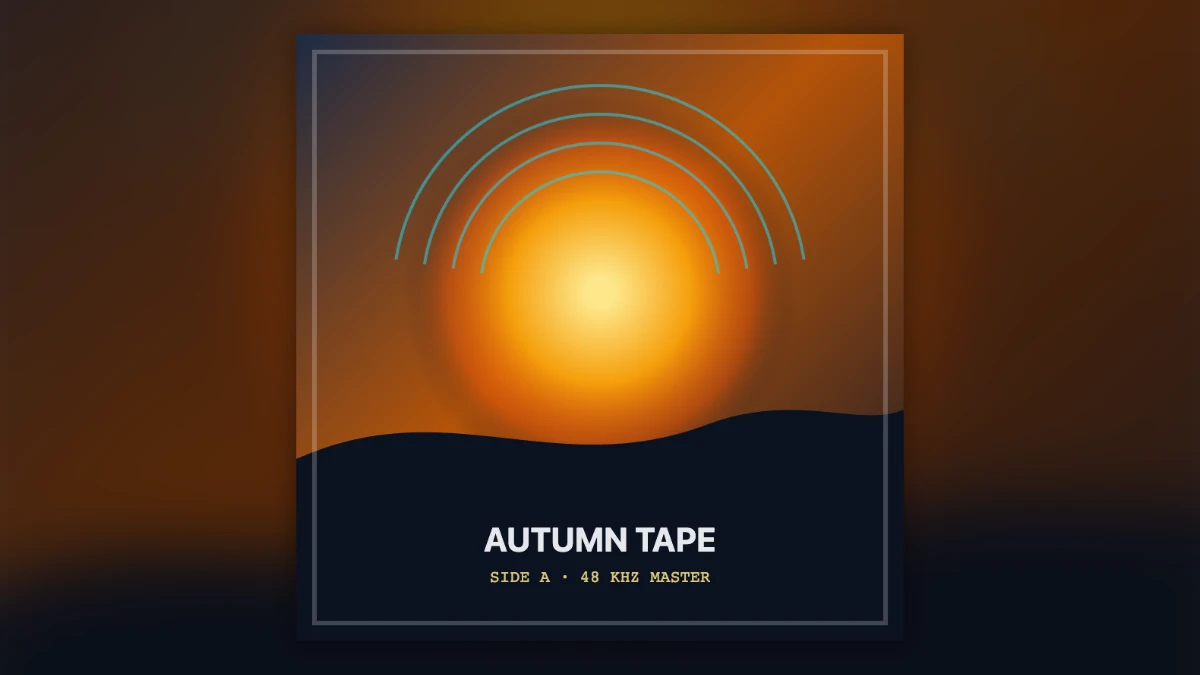
Direct Answer: The One Album Cover Size That Clears Every Music & Podcast Platform
Independent artists and podcasters waste days re-exporting artwork because every distributor quotes a slightly different minimum pixel dimension. In 2026, one single master specification passes every major streaming store, distributor, and podcast directory without rejection:
- Dimensions:
3000 × 3000 px(exact1:1square; Apple Music also welcomes4000 × 4000 pxwhen painted or photographed natively at that resolution) - File Format:
.png(lossless) or.jpgat100%quality (watch SoundCloud's2 MBnative upload cap for direct SoundCloud uploads) - Color Space:
sRGB,8 bits/channel(24 bits per pixel) — never CMYK - Metadata Hygiene: Flatten layers, bake the sRGB transform directly into pixels, and strip embedded ICC profiles and EXIF rotation metadata before delivery
Official Album Cover & Podcast Artwork Specs Compared (Verified Nov 2026)
Every requirement in the table below was checked directly against each platform's published artist or creator documentation:
| Platform | Official Pixel Dimensions (1:1) |
Accepted Formats | Color & Metadata Rules | Key Rejection Traps | Primary Source |
|---|---|---|---|---|---|
| Spotify | 640 × 640 to 10,000 × 10,000 px (3000 × 3000 recommended) |
TIFF, PNG, or JPG (lossless encoding) | sRGB, 24-bit with profile applied directly; no embedded color profiles or orientation metadata | Upscaled small images; CMYK prints; EXIF-rotated phone photos | Spotify Cover Art Requirements |
| Apple Music / iTunes | 3000 × 3000 px or larger (1400 × 1400 px hard minimum) |
JPEG or PNG (100% quality) |
RGB (never CMYK); sharp unpixelated focus | Any URL, QR code, release date, price, competitor logo, or "CD / Vinyl / Lossless / Dolby Atmos" text | Apple Digital Packaging & Style Guide §7 |
| SoundCloud (Native Upload) | ≥ 800 × 800 px (square 1:1) |
JPG or PNG (≤ 2 MB file size) |
Standard RGB web image | Exceeding 2 MB on direct track upload (use 1600×1600–2000×2000 JPG for direct SoundCloud if 3000×3000 PNG exceeds 2 MB) |
SoundCloud Artwork Guidelines |
| SoundCloud for Artists (Distribution) | ≥ 3000 × 3000 px |
JPG or PNG | RGB, 300 dpi distributor target | Same distributor rules as Spotify & Apple Music | SoundCloud Artwork Guidelines |
| Apple Podcasts (Show Cover) | 3000 × 3000 px (1400 × 1400 minimum) |
JPEG or PNG | RGB color space, 72 dpi |
Text too small to read at 60 × 60 px mobile thumbnail scale |
Apple Podcasts Artwork Guide |
| YouTube Podcasts (Show Thumbnail) | 1:1 square (recommended 1280 × 1280 or 3000 × 3000) |
JPG or PNG | sRGB (separate from 16:9 1280×720 individual episode video thumbnails) |
Uploading a 16:9 rectangle to the Show Podcast playlist cover slot |
YouTube Studio Podcasts |
Why Distributors Reject Good Artwork (The 5 Hidden Technical Triggers)
Even experienced designers get artwork bounced by automated distributor QC checks. Fix all five before uploading:
- CMYK Print Files Sent to Streaming Stores: Designers who build vinyl jackets or posters in CMYK forget to convert to sRGB before exporting the streaming master. Spotify explicitly requires 24-bit sRGB — CMYK JPEGs fail validation or shift neon hues into muddy browns.
- Embedded ICC Profiles & EXIF Orientation Flags: Spotify's official Cover art requirements explicitly state: "We also don't support embedded color profiles and orientation metadata." When exporting from Photoshop (Export As → Convert to sRGB, uncheck Embed Color Profile) or Figma/Canva, apply sRGB directly to pixel values and strip EXIF rotation so your cover never renders sideways.
- Upscaling a Small
800 × 800Image to3000 × 3000: Both Spotify ("Don't upscale images") and Apple Music Style Guide Section 7.2 ("Images must not be low quality, pixelated, misaligned, rotated") run automated sharpness/upscale checks. Start your canvas natively at3000 × 3000 pxfrom day one. - Promotional Text & Format Badges: Per Apple Music Digital Packaging and Style Guide Section 7, never stamp "Out Now", "Exclusive", "Produced by..." website links, "Explicit" logos you drew yourself (use your distributor's metadata flag instead), or "Dolby Atmos / Hi-Res / Vinyl" labels onto the release cover.
- Forgetting the
60 × 60 pxMobile Thumbnail Test: Over 70% of first impressions happen inside tiny Spotify playlists, CarPlay screens, and podcast feeds where your3000 × 3000cover shrinks to less than half an inch wide. Zoom out to2%before finalizing typography — thin serif credits vanish completely at thumbnail size.
Using One 3000 × 3000 Master Across Video Visualizers & Social Clips
Once your square 3000 × 3000 sRGB master is ready, you do not need to rebuild separate artwork for YouTube, Instagram, or TikTok:
- YouTube
16:9(1920 × 1080) Music Video or Static Cover: Drop your3000 × 3000PNG/JPG straight into MP3 to Video With Image (for a pure Static Cover Only upload with zero bars) or Music Visualizer Online (Vinyl Spin, Halo Ring, or Cover Card). Our renderer centers your crisp square artwork over a softly blurred, luminance-balanced full-bleed backdrop automatically and lets you click Auto-Palette to extract complementary waveform hues straight from your sleeve. - Instagram Feed (
4:5/1:1) & Reels / TikTok (9:16): Switch Aspect Ratio directly inside the studio — your square cover scales cleanly without distortion or stretching, leaving breathing room for synced karaoke lyrics (Synced Lyrics Guide) inside platform safe zones. - Podcast YouTube Episodes & Vertical Audiograms: Upload your
3000 × 3000podcast show cover into Podcast Visualizer (16:9Podcast Noir) and Podcast Audiogram Maker (9:16Podcast Paper) — our studio caches your cover locally inside browser memory as you switch layouts. - Spotify Canvas (
9:16608 × 1080): Keep your square release cover clean for the track page, then export a separate text-free3–8s608 × 1080H.264 MP4 loop using our Spotify Canvas Dimensions & Specs Guide.
5-Point Cover Art Export Checklist (Photoshop, Figma & Canva)
- Canvas created natively at
3000 × 3000 px(1:1square, zero white borders or rounded corners — stores apply corner rounding automatically). - Working and export color space set to
sRGB(8-bit/channel,24-bit RGB), never CMYK or 16-bit TIFF with alpha transparency. - Exported as lossless PNG (or JPG
100%if your file exceeds a host limit like SoundCloud's2 MBdirect cap) with ICC profile embedding unchecked and zero EXIF rotation tag. - Zero URLs, QR codes, social handles, release dates, store logos, or "Lossless / Vinyl / Stereo" stickers anywhere on the sleeve.
- Legibility checked at
60 × 60 pxmobile size AND tested inside Music Visualizer Online with Auto-Palette to confirm vibrant video framing.
Sources & Primary References
Every pixel dimension, color-space constraint, and content rejection rule in this guide was checked verbatim against primary platform documentation (verified November 2026):
- Spotify for Artists — Cover art requirements (official
640px–10,000px,1:1, TIFF/PNG/JPG, 24-bit sRGB, no upscaling, no embedded ICC color profiles or orientation metadata): https://support.spotify.com/us/artists/article/cover-art-requirements/ - Apple Music / iTunes Partner Support — Digital Packaging for Music (official
3000 × 3000 px+recommendation,1400 × 1400 pxminimum, JPEG/PNG100%quality, and marketing/URL restrictions): https://itunespartner.apple.com/music/support/5215-digital-packaging-music - Apple Music Style Guide — Section 7: General Artwork (Sections 7.1 Accuracy, 7.2 Quality, 7.3 Additional Information): https://help.apple.com/itc/musicstyleguide/en.lproj/itc55a85e7cd.html
- Apple Podcasts for Creators — Artwork Guide (official podcast show cover specifications): https://podcasters.apple.com/artwork-guide
- YouTube Help — Create a podcast in YouTube Studio (official square podcast playlist thumbnail requirement): https://support.google.com/youtube/answer/12751636?hl=en
- SoundCloud Help Center — Artwork Guidelines for Digital Distribution (native vs. distribution artwork specs): https://help.soundcloud.com/hc/en-us/articles/40259650089243-Artwork-Guidelines-for-Digital-Distribution